All These Scraps
Every stray idea, receipt of a thought, half-plan, and someday-list — jotted as a scrap, stitched together with threads, growing into piles you can actually work.
Get the app See how it works For Mac, iPhone & iPad
Every stray idea, receipt of a thought, half-plan, and someday-list — jotted as a scrap, stitched together with threads, growing into piles you can actually work.
Get the app See how it works For Mac, iPhone & iPadDouble-click the table and type. A scrap holds rich text, checklists, photos, voice recordings, files, and a date. New scraps land on your home table — a big freeform surface, not an inbox.
Type a thread name — new or existing — and the scrap files itself onto that thread's pile. Each pile gets its own table with its own tablecloth.
groceriesbig ideashouseDrag cards into kanban lanes, stack related scraps, link them into flowcharts and mind maps, and see every dated scrap on the calendar. Done scraps sink neatly into the archive.
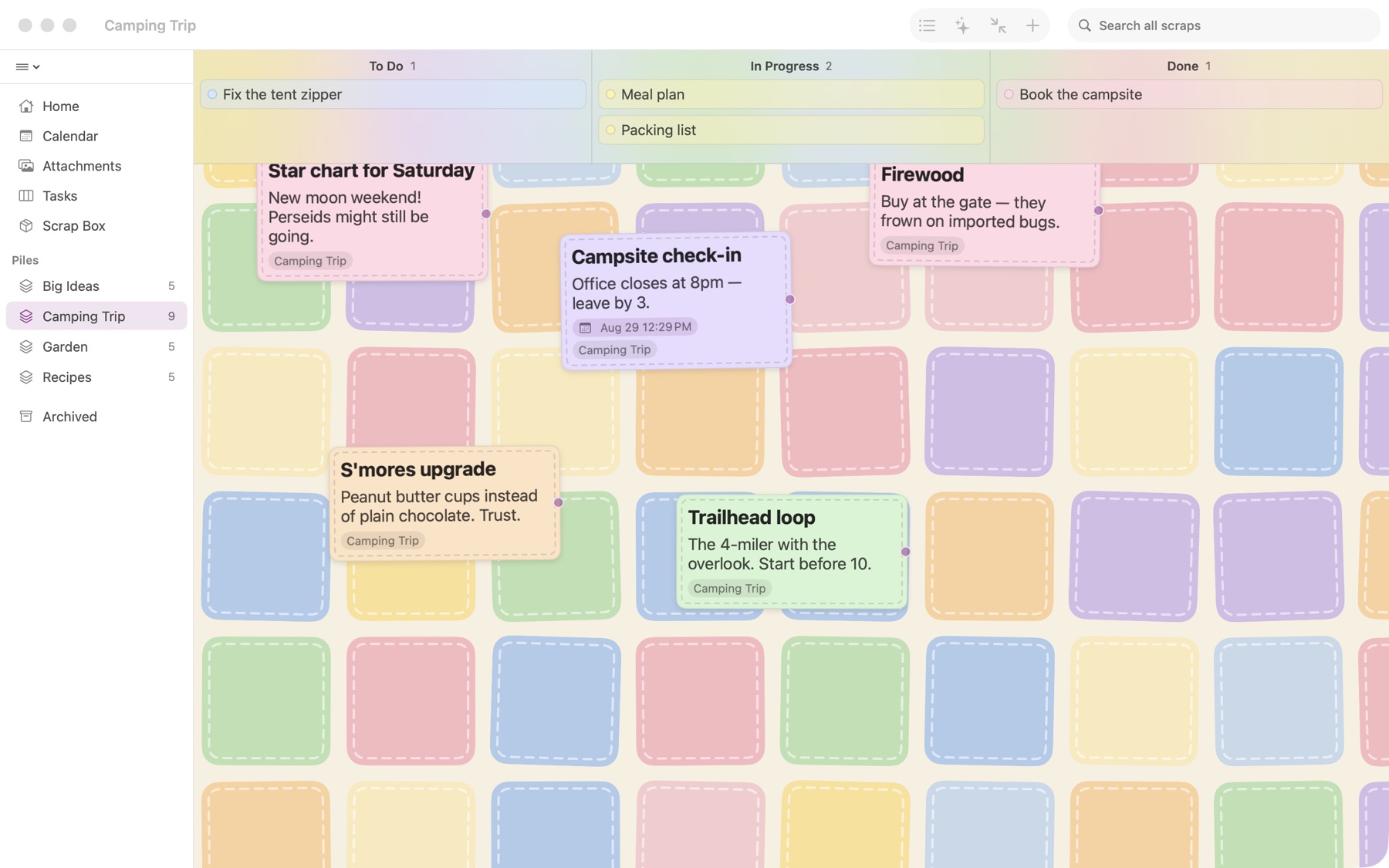
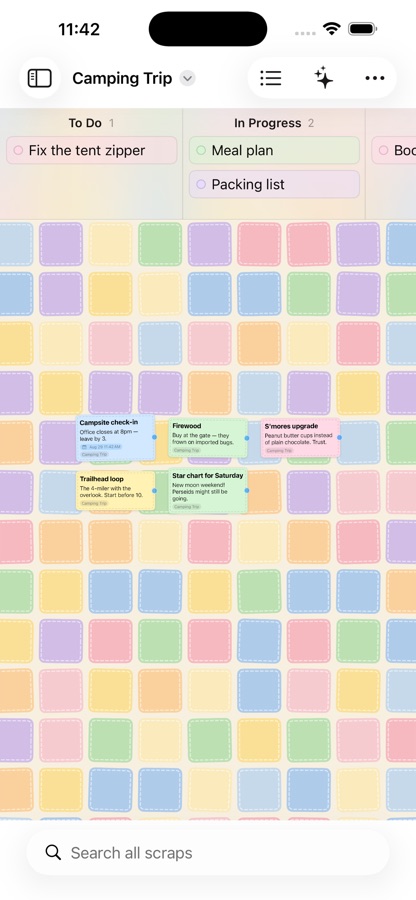
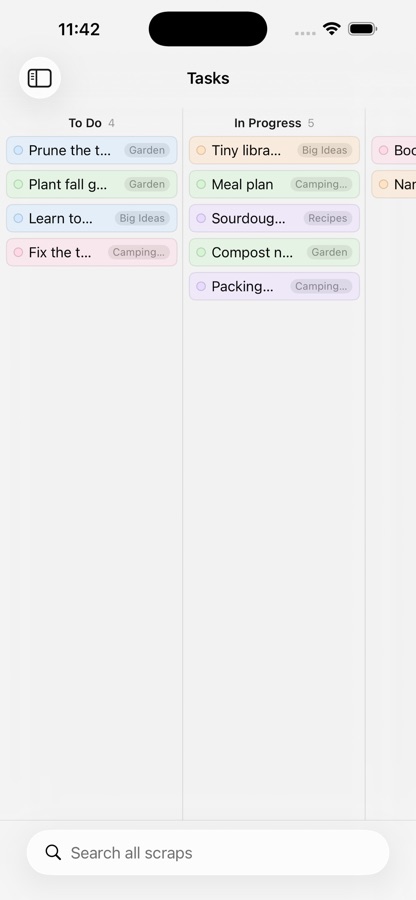
Cards on a tablecloth, kanban lanes along the top, and the same scraps on every device. Here it is on the Mac and iPhone; the iPad gets the same table, with scraps that open as movable panels.
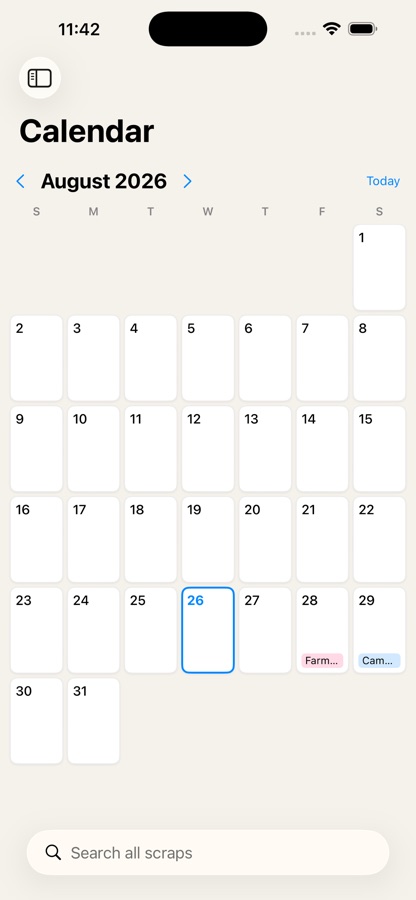
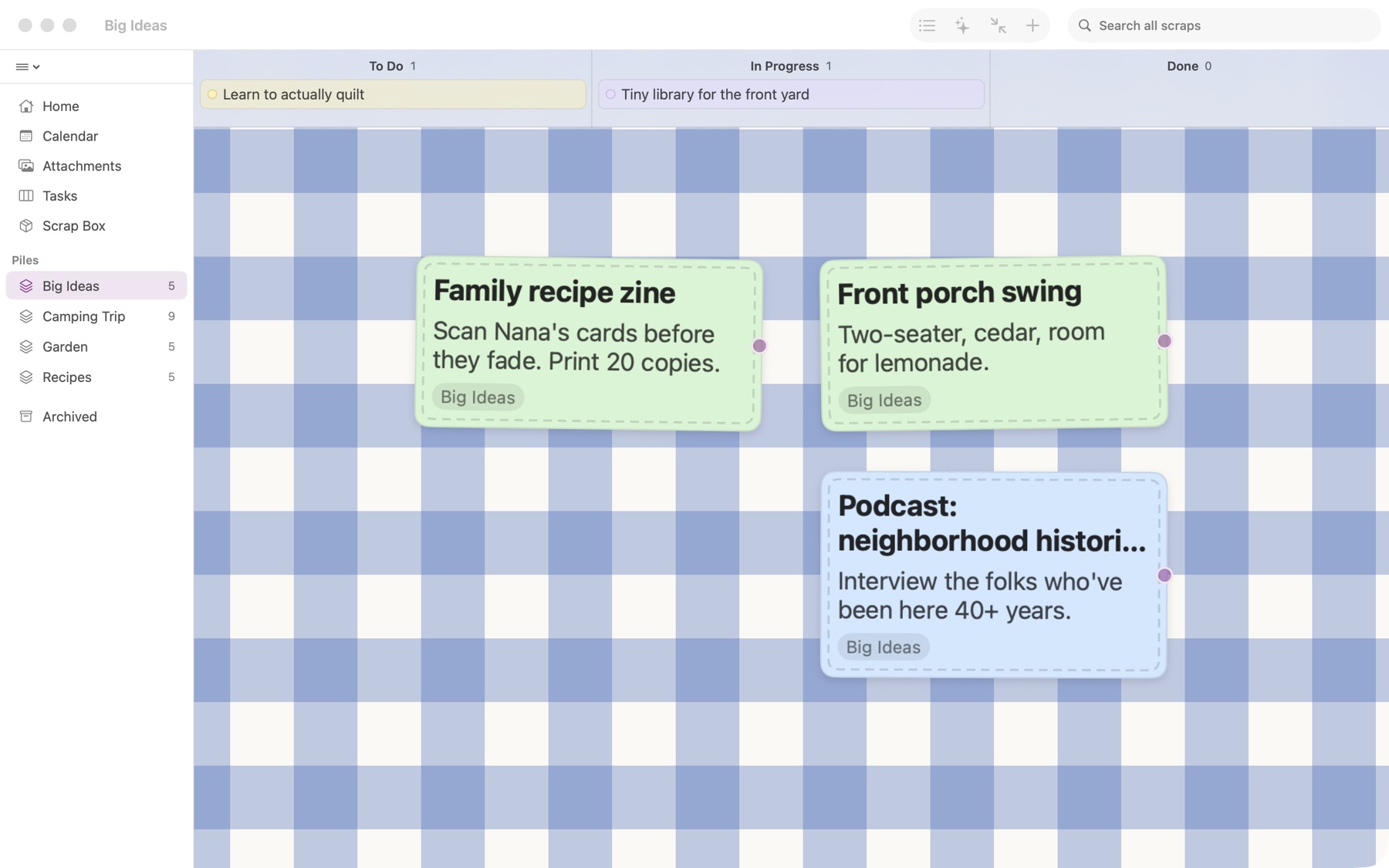
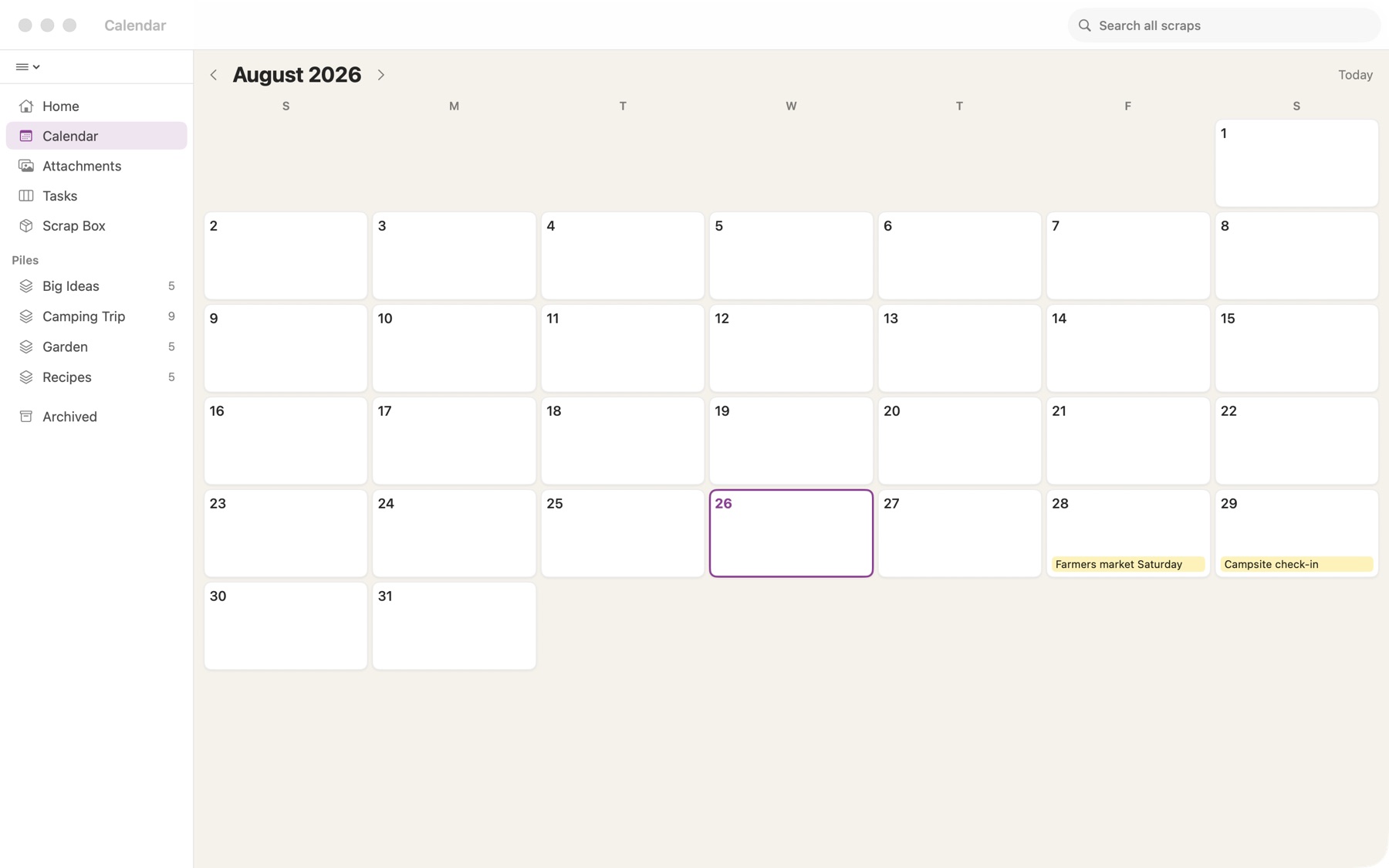
Open allthesescraps.com/app in any browser, sign in with your Apple ID, and your scraps are there to read and jot — on Windows, Android, a borrowed laptop. Install it from Edge or Chrome and it sits on the desktop like an app.
No filing chores. Tag a scrap with a thread and its pile exists; empty piles tidy themselves away.
Drag a scrap into a lane — To Do, In Progress, Done, or lanes you name yourself. One combined Tasks board gathers every pile's lanes.
Drop scraps on each other to group them. Tap the pile and they fan out like a hand of cards — open any one from the fan.
Give any scrap a shape — decision diamond, start pill, process box — then label the branches yes and no and loop right back.
Add Branch, type, repeat. Ideas fan out on curved stitches, and one tap arranges the whole tree around your big idea.
Tie any two scraps together with a labeled, directional stitch. The thread follows the cards wherever you drag them.
Date a scrap and it lands on your Google or Apple calendar. Edit the event there and the scrap follows. Your calendars' events sit on the table too — make a scrap from any of them.
Every day, week, month, quarter, or year — a scrap that recurs shows up on every day it's due.
Share text, links, and images from any app straight into a new scrap. Links file under the page's real title. Paste a copied image and it's attached.
Tap the mic in any scrap — or say "Hey Siri, voice scrap" — and the recording lands on your table, playable on every device.
Tick items right on the card face. Attach photos, files, and links. Lines of text that are links open with a tap.
Lock a scrap or a whole pile behind Face ID or Touch ID. Locked scraps show a title and nothing more.
"New scrap in Scraps." Create, search, file, and read your board hands-free — it even works in the car.
On the Mac, let your own Claude read, create, and file scraps — it runs on your machine, no server, no stored keys.
Search inside titles, bodies, and checklists — and from Spotlight, before you even open the app.
Ginghams, quilts, tie-dyes, daisy borders, sunflowers — every table sets its own mood.
Mac, iPhone, and iPad — always the same table. No account to create; you already have one.
Drag any card to the top of the window and the kanban lanes appear — drop it right into one.
Long-hold an empty spot on any table for the table menu — one tap tidies every card into view.
Drop one card onto another to make a stack. Tap to fan it open.
No need to open a scrap — tap the circle right on its face.
"Hey Siri, what's on my board in Scraps?" reads your lanes back. Build a "voice scrap" shortcut and capture ideas while driving.
Right-click a scrap → Add Branch for a connected thought, ready to type. When the tree sprawls, Arrange as Mind Map fans it out neatly.
Pinned scraps live in the sidebar, one click from anywhere.
The little dot on a connection opens its menu — label it, curve it, flip it, or snip it.
On iPhone, lanes scroll sideways — drag a card against the screen edge to reach the far ones.
Locked scraps are never shared. Their contents stay out of search previews, Siri, Shortcuts, Spotlight, and your Claude connection, and they sync only through your own iCloud.
From any app's share sheet pick All These Scraps. It asks for a title right there, so a link files under a name you'll recognise.
Turn a scrap into a draft and it gets Title, Heading, and Subheading styles, bullets, a word count, and an outline to jump around.
Add a date and the scrap lands on your calendar; move the event there and the scrap follows.
Export a scrap as Markdown or PDF, a pile as a folder, or the whole library as a vault that opens in Obsidian. Import text or Markdown back any time.
allthesescraps.com/app — sign in with your Apple ID to read and jot from any browser, and install it from Edge or Chrome.
An invitation link names the pile and asks before it joins your library, so nothing lands there without your say.
Out now on Mac, iPhone, and iPad — and in any browser. One library, your scraps everywhere.